What is your team catching that nobody, including them, knows they are catching?
AI Trade-offs Nobody Warns You About

Every AI vendor pitch has a slide showing the gains. Faster turnaround. Lower cost. Consistent output. More throughput. The numbers are real, and we're not here to dispute them.
What you don't get on that slide is the trade. There is one, with every AI workflow, in every business. Whether it costs you depends entirely on whether you've named it before you ship.
This piece is about the AI trade-offs nobody warns you about, why most failures look sudden when they were entirely predictable, and the audit worth running before moving any meaningful process from humans to a model.
Key Takeaways
- Your manual process does invisible work nobody documents: pauses, gut checks, cross-checks, micro-corrections. Automation removes them unless you design them back in.
- The four trade-offs that show up in every AI workflow: speed vs nuance, consistency vs judgement, scale vs trust, throughput vs recovery.
- Failures look sudden but are predictable. Attention drifts, edge cases arrive, wrong outputs accumulate quietly, someone notices weeks later.
- The most useful pre-automation question is "what do you catch that nobody knows you catch?" Each answer is a check to design in.
- Confidence thresholds, anomaly detection, sample review, escalation paths, and pattern monitoring are what keep week-thirty quality matching week-one quality.
What your manual process actually does
Start with an uncomfortable observation. The way a process is documented and the way it actually works are almost never the same.
What the documentation shows is a clean sequence of steps. What actually happens includes everything between the steps. The senior person who pauses on a particular customer name because something rings a bell. The shared instinct that a quote feels off, even before anyone can articulate why. The cross-check that happens when one person walks past another's desk and asks a question. The micro-correction someone makes because they remember last time, and the same pattern is forming again.
These are invisible safeguards. They don't appear in the SOP. They don't show up in the workflow diagram. They are doing real work, often the work that's holding quality up despite a patchy documented process.
When you move a workflow to AI, those safeguards leave with the people who were running it. Unless you've explicitly named them and designed them back in, they're gone. The documented process runs at speed. The invisible one stops running entirely.
The trade-offs that matter
A few specific tensions show up across almost every AI workflow. None of them are dealbreakers. All of them deserve to be named before they become problems.
Speed comes at the cost of nuance. AI processes the same way every time, in milliseconds. A human takes longer, partly because they're reading context the AI can't see. A request that comes in worded oddly. A customer name that's appeared three times this week with escalating frustration. A combination of facts pattern-matching to last quarter's incident. The human slows down in those moments. The AI doesn't. That's the trade.
Consistency comes at the cost of judgement. AI applies the rule the same way to every case. That sounds like a feature, and often it is. It also means the AI doesn't break the rule when it shouldn't be applied. Most experienced humans break rules occasionally and they're usually right to. The cases that genuinely need the rule broken still exist after automation. They just don't get the breaking any more.
Scale comes at the cost of trust. People know when they're dealing with a system. They forgive the system less when it gets things wrong, and they forgive a person more. A workflow that scales to ten times the volume by switching to AI also accepts that customer trust may dip slightly, especially in the first few months. That's an accounting cost most pitches don't model.
Throughput comes at the cost of recovery. A human running a workflow course-corrects in real time. They notice when something feels wrong and they investigate. An AI workflow generally does not, unless you've explicitly designed in detection and escalation. Without those, errors don't get caught when they happen. They get caught when someone downstream complains, which is often weeks later.
These aren't reasons to avoid automating. They're the inputs to a more honest decision about what to automate, where, and what to design alongside it.
Why failures look sudden
Quality drift in AI workflows almost always looks sudden from the outside and was entirely predictable from the inside.
What happens is this. The AI workflow goes live. It runs well for the first few weeks because the team is watching closely and the early cases sit well within the patterns the system was designed for. Confidence builds. Attention drifts. The team that was watching the workflow gets reassigned to the next project.
Then the cases start arriving that don't match the patterns. The AI handles them the way it handles everything: same speed, same confidence, same output format. Nothing flags. Nothing escalates. The output looks indistinguishable from a normal output, except that it's wrong.
The wrong outputs accumulate. Some downstream person notices something odd. They mention it to a colleague. A few weeks later, someone traces the issue back. By then, the failure has been running for a while, and the project gets labelled as a sudden quality collapse.
It was not sudden. The trade-off was there from day one, named or unnamed. If it wasn't named, the only question was how long until it surfaced.
The audit before you automate
The single most useful thing a team can do before automating a workflow is to sit with the people who currently run it and ask one question: what do you catch that nobody knows you catch?
This is harder than it sounds. The whole point of invisible safeguards is that they are invisible, including to the person doing them. You'll need to ask in different ways.
What's the most recent thing you stopped before it became a problem? How did you spot it? What do you double-check, even when the system says it's fine? When does your gut tell you to slow down? What are the kinds of cases your colleague handles that you wouldn't trust to anyone else? When do you reach for someone senior?
The answers are gold. Each one is a check that needs designing into the AI workflow, a case that needs routing to a human, or a pattern the system needs to flag for review.
A workflow audit done properly takes a few hours per process and saves months of post-launch firefighting. It is also the single most undervalued piece of work in most AI projects, because nothing gets shipped during it.
What to design back in
A short list of the things most workflows need to have explicitly built in to make up for the invisible work that leaves with the humans.
- Confidence thresholds that route uncertain cases to a person rather than letting the AI handle them at the same throughput as everything else.
- Anomaly detection that flags inputs that don't match the patterns the system was designed for.
- Sample review: where a percentage of outputs gets human-checked even when the AI is confident. The percentage doesn't have to be high. It has to be ongoing.
- Escalation paths that actually work, with clear ownership of flagged cases and how fast they get handled.
- Pattern monitoring: so that drift over weeks or months is visible to someone whose job it is to look.
These add cost and complexity. They are also what keeps the workflow producing the quality it produced in week one, in week thirty.
A note on what to automate anyway
This piece could read as a case for caution. It isn't. It's a case for honesty.
Most workflows in most businesses are worth automating, often more aggressively than the team currently believes. The invisible work humans were doing needs to be acknowledged and designed in, but that's a solvable problem. It's much easier than continuing to run high-volume manual processes that have their own quality problems and don't scale.
The point isn't to keep humans doing things AI could do better. It's to be honest about what AI is replacing, and to make sure nothing important leaves the building when the people do.
The teams that get this right come out ahead twice. They get the speed, scale, and consistency the AI delivers. They also keep the nuance, judgement, and quality control the manual process was quietly providing. That's what AI done well looks like. Not magic. Just honest design.

Doriel Alie
Doriel is the founder of Operational AI Systems, an AI consultancy and software development agency in Milton Keynes. More about Doriel.
Trending
Related post
Expand your knowledge with these hand-picked posts.
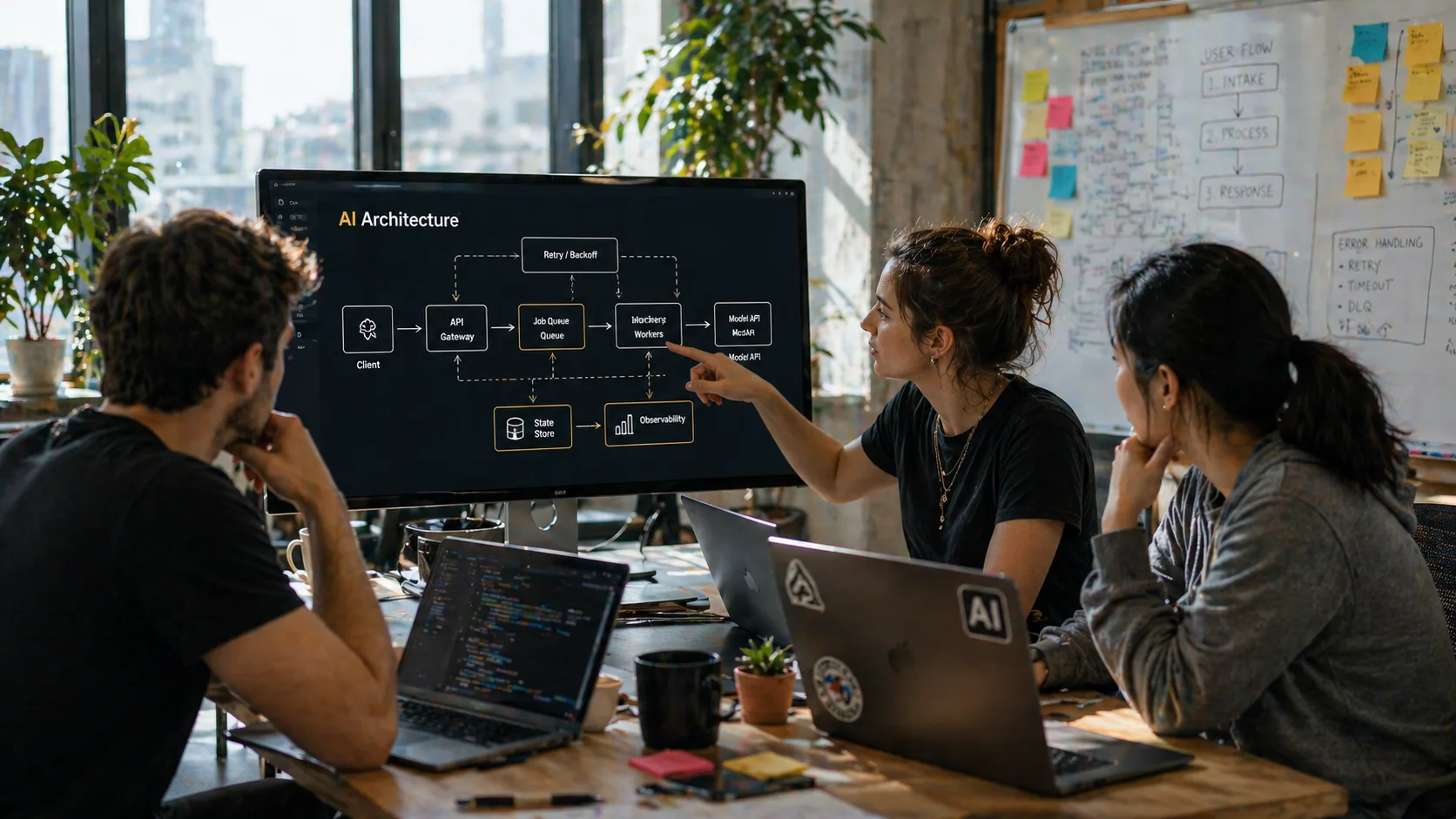
AI Architecture That Reaches Production
Sync vs async, queues, retry logic, state handling, and the architectural choices that decide whether your AI scales or collapses under real load.
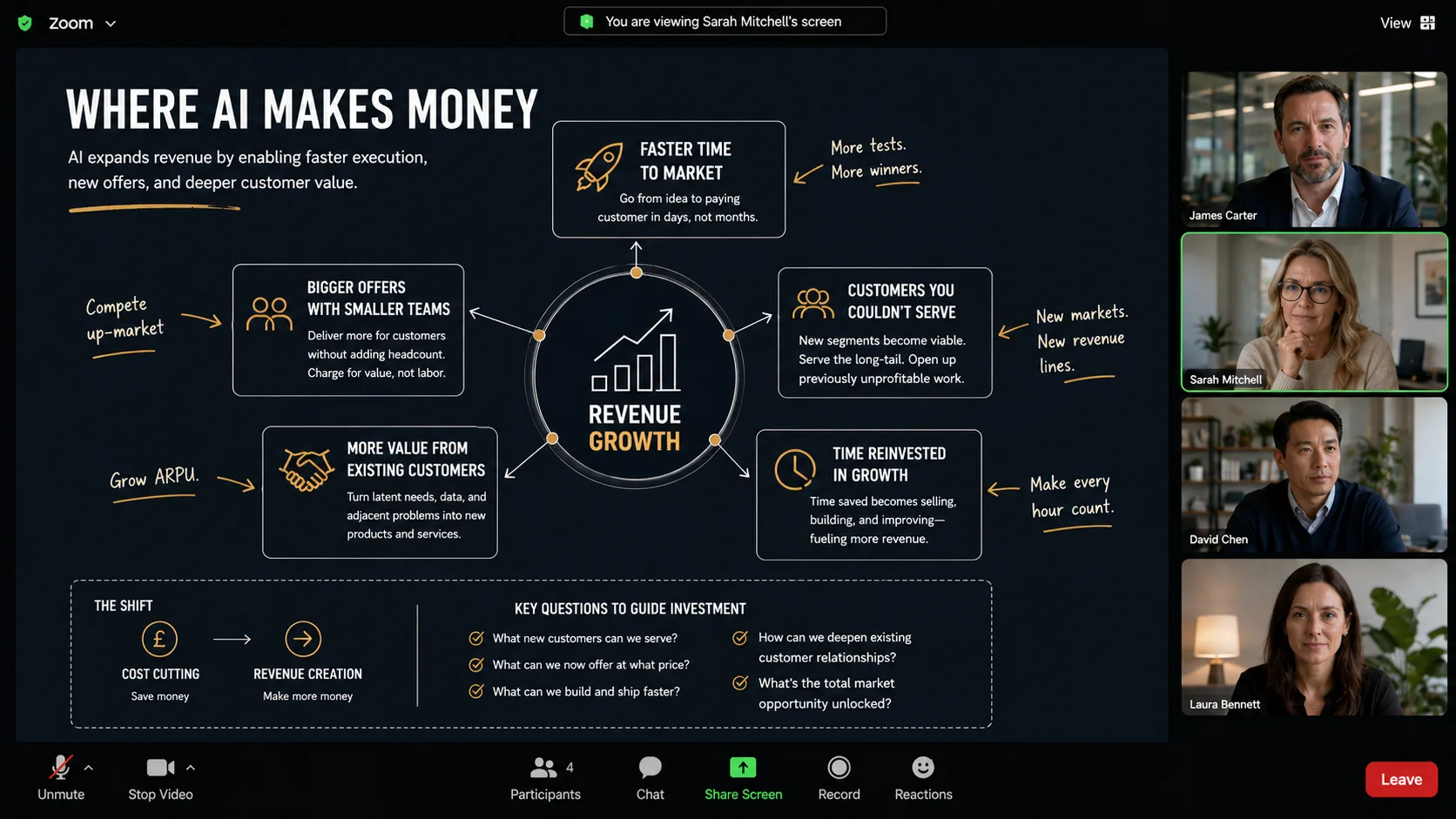
Where AI Makes Money
Most AI writing is stuck on cost-cutting. The interesting half is what AI does to the top line, and what that means for how you decide to invest.
System Status